Stay updated with our letter
Valuable perspectives on the latest trends and tips.



Is My Data Safe With ChatGPT? What AI Chatbots Do With Conversations




In early 2023, Samsung engineers did something thousands of people do every day: they pasted work into ChatGPT to get help with it. The work happened to be proprietary semiconductor source code and internal meeting notes. Samsung's response was to ban external AI tools across the company.
Three years on, the tools are better, the privacy controls are real, and the question has only grown: millions of people now hand chatbots their medical worries, legal documents, business plans and personal secrets every single day. So — is your data safe?
The honest answer is "it depends on settings most people have never opened." This guide covers what actually happens to your conversations, the toggles that change it, and the short list of things you shouldn't type into any chatbot regardless of settings.
The Short Answer
ChatGPT — and most consumer AI chatbots — are not private by default. On free and personal paid plans, your conversations can be used to train future models, and authorised staff and contractors can review chats for safety and quality purposes. Deleting a chat doesn't erase it instantly; copies are typically retained for around 30 days.
The equally important other half:
- You can opt out of training with a single settings toggle — most users have never seen it
- Private modes exist (Temporary Chat in ChatGPT, Incognito chat in Claude) that skip history, memory and training
- Business and Enterprise plans exclude training by default and carry contractual privacy obligations
- Your chats are not sold to advertisers or posted publicly — the realistic risks are training, human review, retention, and your own oversharing
So the situation is neither "perfectly safe" nor "digital confessional being read aloud." It's a system with real exposure and real controls — and the gap between the two is whether you've spent five minutes in settings.
What Actually Happens To Your Conversations?
Let's walk the path your words take, because the details matter more than the vibes.
On personal plans (Free, Plus, and similar), by default:
- Your chats may train future models. OpenAI's privacy policy confirms that prompts and responses from personal accounts can be used to improve upcoming GPT versions unless you opt out. This isn't unique to OpenAI — a 2025 Stanford study found six leading US AI companies feed user inputs back into their models, some without an easy opt-out.
- Humans can read them. Authorised employees review conversations to fine-tune models, fix bugs, and investigate safety issues — and for most plans, outside contractors under confidentiality agreements do review work too. It's a small fraction of chats, but the access exists.
- "Deleted" means "deleted in about 30 days." Removing a conversation from your history schedules it for permanent deletion, but copies are retained for roughly 30 days for abuse monitoring. Temporary/private modes follow the same 30-day pattern.
- Standard data collection applies. Beyond chat content: your account details, device information, and usage patterns — the same category of collection as most large online services.
What does not happen (worth stating, because the fear often outruns the facts):
- Your individual conversations are not sold to advertisers or marketing lists
- Your chats are not published or shared with other users
- The model doesn't "remember" your chat and repeat it verbatim to strangers — training influences statistical patterns, not copy-paste recall (though this is precisely why you still shouldn't feed it secrets: reducing the odds is not the same as zero)
One more actor to be aware of: like any company, AI providers must comply with legal demands. Chat logs can be subject to court orders and law enforcement requests. Anything you type is, legally speaking, a record held by a third party.
The Settings That Fix Most Of This
Here's the part that should be the first thing every chatbot shows you, and isn't. Five minutes, in priority order:
- Turn off model training. In ChatGPT: Settings → Data Controls → toggle off "Improve the model for everyone" (wording shifts between versions). Once off, your future conversations aren't used for training. Claude and Gemini have equivalent controls. This is the single highest-value privacy action available, and most users have never opened the menu.
- Use private modes for sensitive one-offs. ChatGPT's Temporary Chat (icon at the top of the screen): no history, no memory, no training. Claude's Incognito chat (ghost icon, top right): not saved, not remembered, never used for training regardless of your other settings. Both still retain a copy for ~30 days for safety monitoring — private mode is not an evidence shredder.
- Review what memory has stored. Chatbots increasingly remember facts about you across conversations. Check the memory settings periodically and delete anything you'd rather not persist.
- Delete old conversations you no longer need. Not paranoia — hygiene. A years-long chat history is a detailed diary of your work, health and worries sitting on someone else's server.
- Know the caveat on all of the above: opting out of training doesn't switch off safety review. Conversations flagged by safety systems can still be retained and read. No setting makes a cloud chatbot equivalent to a notes app on your own device.
The Rules By Account Type
Privacy varies enormously by how you access the same AI — this is the least understood part of the whole topic:
- Free and personal paid plans — training on by default (opt-out available), human review possible, ~30-day retention after deletion. Fine for everyday use with the toggle off; wrong for confidential material.
- Business and Enterprise plans — training excluded by default, contractual privacy obligations, security certifications like SOC 2 Type II, and admin controls. This is the tier the Samsung lesson points to: the tool wasn't the problem — the free tier for confidential work was.
- API access — inputs to OpenAI, Anthropic and Google via their official APIs aren't used for training by default and carry shorter retention. This is why a tool built properly on the API can be more private than the consumer app of the same AI.
- Local open-source models — for the genuinely security-critical, models run on your own hardware mean data never leaves the building. The trade-off is real management overhead and weaker models than the frontier.
The simple workplace rule that falls out of this: never put anything client-related, proprietary or regulated into a personal-plan chatbot — not even "just to test." IBM research found 20% of global organisations suffered a breach in the past year tied to "shadow AI" — employees using unapproved AI tools. If your company handles sensitive data and has no AI policy, that's the gap.
What You Should Never Type Into Any Chatbot?
Settings reduce exposure; they don't eliminate it. Some things don't belong in any cloud AI conversation, on any plan:
- Passwords, API keys, and credentials — no legitimate reason, ever
- Full financial details — card numbers, account numbers, tax identifiers
- Government ID numbers — passport, national insurance, social security
- Other people's private information — you're making disclosure decisions on their behalf that you're not entitled to make
- Trade secrets and unreleased work product — source code, deal terms, unannounced plans (on personal plans especially — this is the exact Samsung failure)
- Anything you'd be harmed by a subpoena revealing — chat logs are discoverable records, and unlike your lawyer or doctor, a chatbot offers no legal privilege
A useful mental frame: treat a chatbot conversation like an email to a competent, well-meaning company — not like a diary, and not like a privileged conversation. Email-level candour is fine. Confession-level candour is not.
How The Major Chatbots Compare?
The broad strokes, as of early 2026 — details shift, so verify before relying on them:
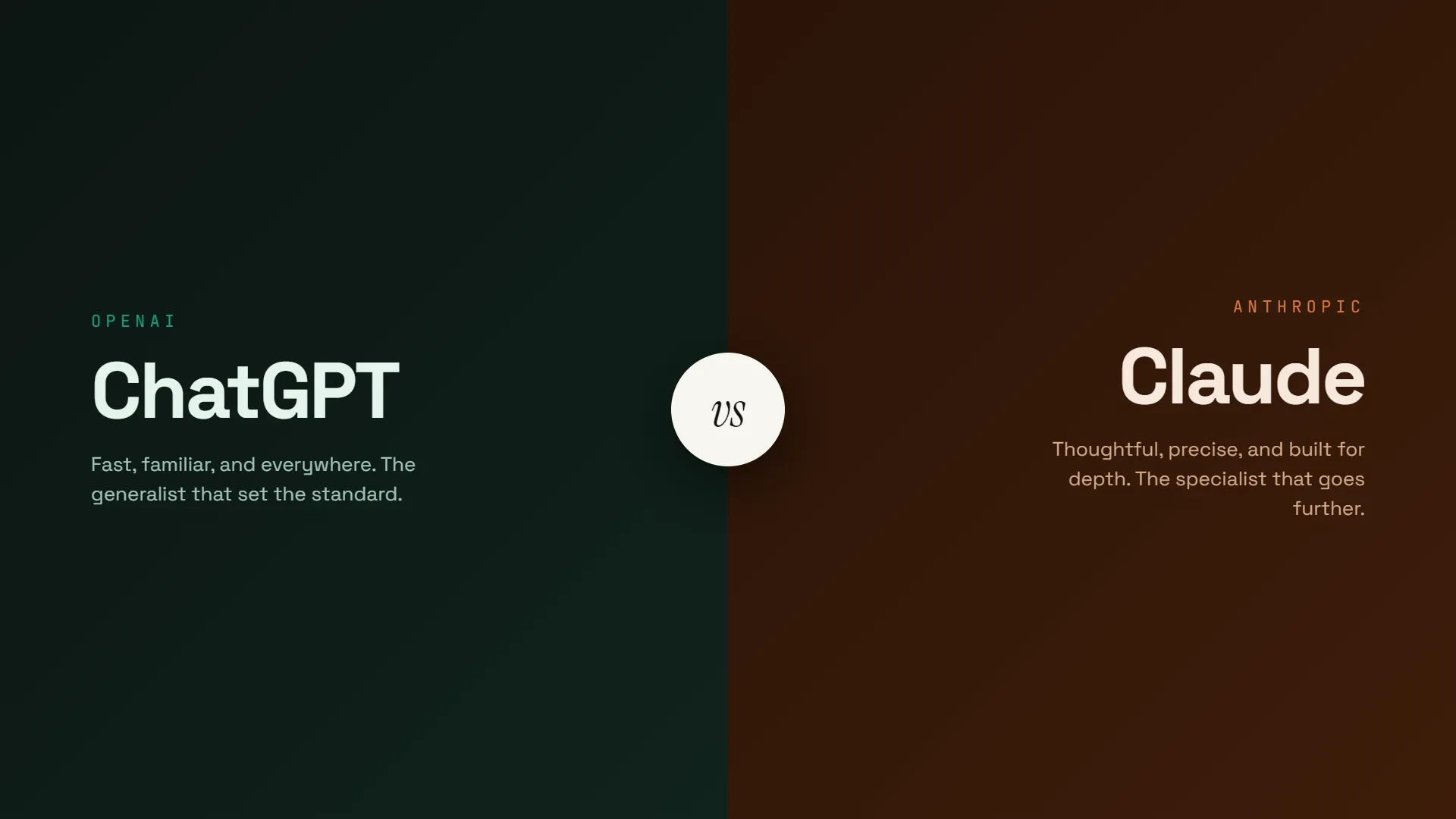
- ChatGPT (OpenAI) — trains on personal-plan chats by default with opt-out; Temporary Chat mode; Business/Enterprise excluded from training; 30-day retention after deletion.
- Claude (Anthropic) — training controlled by a "Help improve Claude" setting; Incognito chats are excluded from training even when that setting is on; similar ~30-day retention for deleted content.
- Gemini (Google) — activity and training controlled through Google account settings; deeply integrated with the rest of your Google data, which is either convenient or concerning depending on your existing relationship with Google.
- The pattern to notice: the defaults favour the companies (data flows in unless you act), while the controls favour you (opt-outs are genuine and one click away). The system rewards the five minutes of setup almost nobody does.
Regulators are also in the room: Italy temporarily banned ChatGPT in 2023 over GDPR concerns, which is why EU-grade controls — opt-outs, data export, deletion rights — now exist for everyone. If you're in the EU or UK, GDPR gives you formal rights to access and erase your chatbot data.
Frequently Asked Questions
Does ChatGPT use my conversations to train its models?
On personal plans (Free, Plus and similar), yes by default — unless you opt out in Settings → Data Controls. Business, Enterprise and API usage are excluded from training by default.
Can OpenAI employees read my ChatGPT conversations?
Authorised staff and third-party contractors can review conversations for safety monitoring, bug fixing and model improvement. It's a small fraction of chats, but no conversation on a personal plan should be assumed fully private.
If I delete a ChatGPT conversation, is it gone forever?
Not immediately. Deleted chats — including Temporary Chats — are typically retained for around 30 days for abuse monitoring before permanent deletion.
Is ChatGPT's Temporary Chat actually private?
It skips your history, memory and model training, which makes it the most private option on personal plans. But a copy is still kept for ~30 days, and flagged conversations can be reviewed. Private mode, not invisible mode.
Is it safe to use ChatGPT for work?
Only on a Business or Enterprise plan, where training is off by default and contractual protections apply. Pasting confidential work into a personal account is the mistake that got AI tools banned at Samsung — and "shadow AI" use is now linked to real breaches at 20% of organisations.
Does ChatGPT sell my data to advertisers?
No — individual conversations aren't sold or shared with marketers. The realistic exposures are model training, human safety review, retention windows, and legal requests, not data brokerage.
What's the most private way to use an AI chatbot?
In rough order: a local open-source model on your own hardware, then API access, then Enterprise plans, then a personal plan with training off and private mode on. Each step trades convenience for privacy.
The Bottom Line
Your data is conditionally safe with ChatGPT and its rivals: not sold, not public, but flowing into training and open to human review by default on the plans most people use — until you flip the toggles that stop it. The controls are real and take five minutes. The retention windows and safety reviews persist regardless. And no setting anywhere changes the oldest rule of the internet: the most reliable way to keep something private is to not type it into someone else's computer.
Your next step: open your chatbot's settings right now, find the data or training controls, and set them deliberately instead of by default. Then decide your personal red lines — the categories you'll never paste in — while you're calm, not mid-task with a deadline looming. Five minutes today covers years of conversations.



Stay updated with our letter
Join our newsletter to receive the latest insights, tips, and stories directly to your inbox weekly.

We bring a unique perspective, offering readers insightful and thought-provoking content.



.avif)