Stay updated with our letter
Valuable perspectives on the latest trends and tips.



How to Tell if a Photo Is AI-Generated: The 2026 Checklist
.avif)
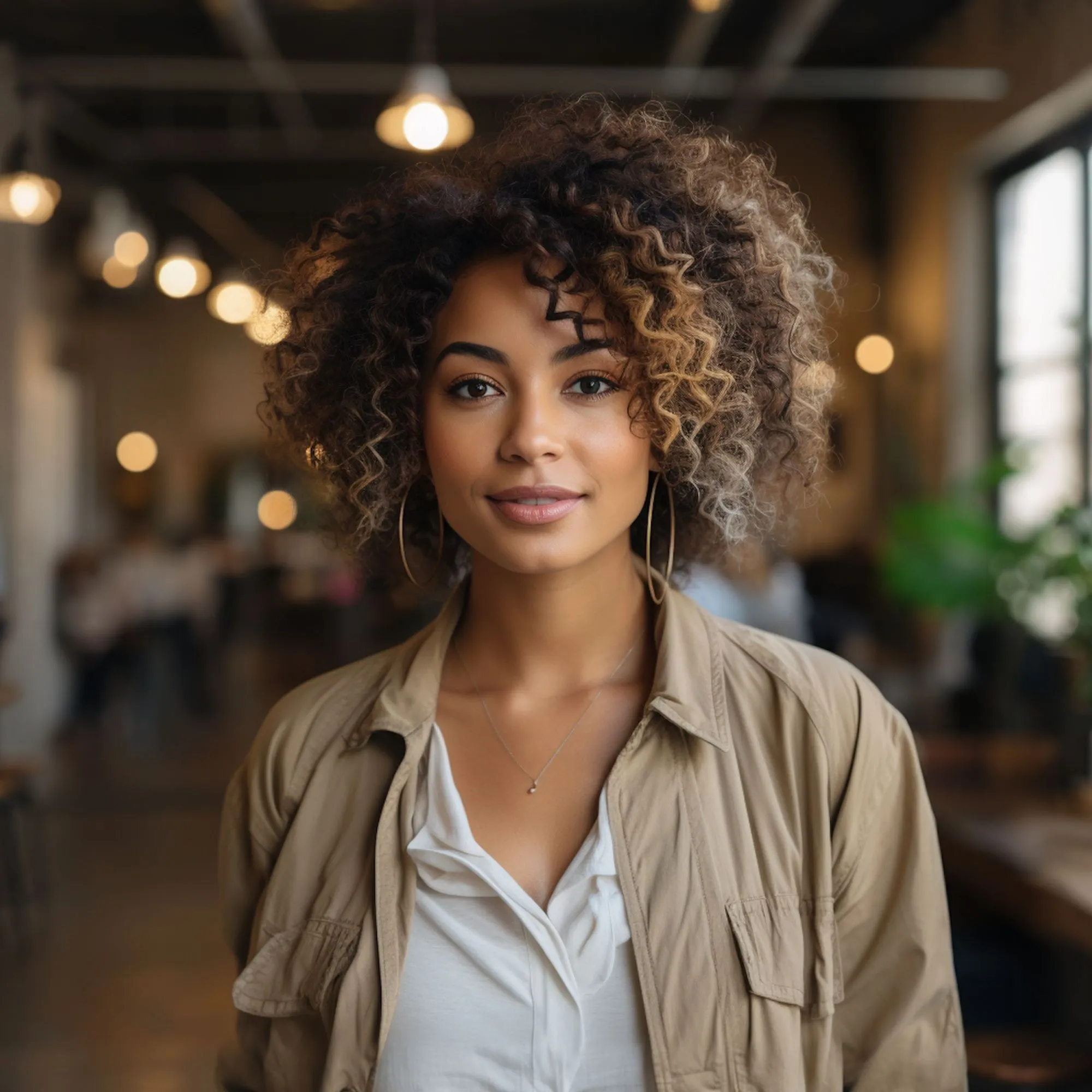


In July 2026, images from Taylor Swift and Travis Kelce's wedding flooded the internet. The guests had reportedly signed NDAs, which made the leak feel plausible — forbidden photos always do. There was just one problem with the most popular image: the happy couple had six fingers on their hands.
That fake was easy. Most aren't anymore. The counting-fingers era of AI detection is closing fast, and the honest truth is that a well-made 2026 fake can survive a casual glance from almost anyone — including you, including me.
The good news is that "casual glance" is no longer the best tool available. This year, for the first time, ordinary people have access to the same category of checks fact-checkers use, and most of them take under a minute.
Here's the full toolkit: what still works with your eyes, what's built into your phone that you probably haven't tried, and the order to run the checks in.
The Short Answer
To tell if a photo is AI-generated, stack multiple checks rather than trusting any single one.
The fastest route in 2026: ask an AI assistant like Gemini to check the image for an invisible watermark, look for C2PA Content Credentials (a cryptographic "receipt" of how the image was made), reverse-image-search for the original context, and only then fall back on visual tells — garbled text, impossible reflections, anatomy that's almost right.
No single check is proof. Three or four together are hard to fool. One principle before the details, because it's the one everyone gets wrong: a single flaw doesn't prove fake, and a clean image doesn't prove real. Treat everything below as a checklist, not a verdict. The more boxes an image ticks, the more suspicious you should be.
Part One: The Visual Tells That Still Work
AI generators have become excellent at style and remain surprisingly weak at function — the boring physical logic of how objects, light and bodies actually behave. That gap is where your eyes still earn their keep.
- Zoom in first. AI images are built to convince at feed-scrolling size; they fall apart under magnification far more often than real photos do.
1. Text is the biggest giveaway. Street signs, product labels, menus, book covers, tattoos, logos. AI models paint the shape of writing without understanding it, so text often comes out as convincing gibberish — letterforms that look right until you try to read them. If a photo contains visible writing and the writing isn't real words, you're almost certainly looking at a generated image. This remains the single most reliable tell in 2026.
2. Hands and fingers — weakened but not dead. The six-finger problem that exposed the fake wedding photos is much rarer than it was in 2023, but it still surfaces, especially in fast, cheap generations. Look past the count: fingernails pointing the wrong way, rings passing through fingers, watch straps that don't close, hands subtly fused to whatever they're holding.
3. Ears and jewellery. An underrated one. Ears are geometrically complex and unique, and AI often produces strange helix curls, left and right ears that don't match, or earrings floating a millimetre off the lobe.
4. Reflections and shadows. Physics is hard to fake. Check that mirrors, windows, water and eyes reflect what's actually in the scene, and that shadows all fall the same direction from the same light source. In one widely shared fake of Senator Mitch McConnell in a hospital bed, the finger count was fine — what gave it away was the medical tubing, which ended abruptly and looped in ways no real equipment does.
5. Background logic. Fakes spend their quality budget on the subject. Scan the edges: door handles that go nowhere, chairs with too many legs, crowds where faces melt together, patterns (bricks, tiles, fences) that drift and warp mid-image.
6. Focus that breaks camera rules. Real lenses focus in planes — near things and far things can't both be tack-sharp while the middle is blurred. Fact-checkers caught one 2026 fake of an ICE arrest partly because a man in the foreground was less in focus than a house behind him. Cameras don't do that.
7. The too-perfect sheen. Harder to pin down but real: skin with a waxy, airbrushed evenness, lighting that's cinematic when it should be mundane, a general music-video gloss on what claims to be a candid snapshot. Real life is messier than AI's idea of it.
Part Two: The Invisible Checks (this Is The Part Most People Miss)
Here's the 2026 shift that most "spot the fake" guides haven't caught up with: AI images increasingly carry an invisible label baked in, and you now have tools to read it. Two systems matter, and they're worth knowing by name.
1. C2PA Content Credentials are a tamper-evident receipt attached to an image file. They record where the image came from — a physical camera or a generative tool — and what edited it along the way, all cryptographically signed so tampering breaks the seal. This has moved from standards-body dream to shipping reality: recent iPhones can attach signed credentials at capture, and Sony, Nikon, Canon and Leica now build C2PA modes into their professional cameras.
2. SynthID is Google DeepMind's watermark, embedded invisibly in the pixels themselves rather than the metadata. That distinction matters enormously, because — and this is the trap — messaging apps destroy metadata. WhatsApp, iMessage and Facebook re-encode images on upload, routinely stripping Content Credentials in the process. A pixel-level watermark like SynthID can survive that laundering; a metadata receipt usually can't. In 2026, SynthID's coverage expanded beyond Google's own tools to include images from ChatGPT and DALL·E through a partnership with OpenAI.
How to actually run these checks:
- Ask Gemini. Upload the image to the Gemini app and ask, "Was this made or edited with AI?" It checks for SynthID and answers in plain language. This is genuinely the fastest single check available to a normal person in 2026.
- Use OpenAI Verify to check for watermarks in ChatGPT/DALL·E output. In testing by security firm Malwarebytes, it correctly flagged a freshly generated image.
- Inspect the metadata yourself. Drop the file into any free EXIF viewer. Red flags: no camera make or model, no capture settings, or — the smoking gun — a software tag that literally says "Midjourney," "Stable Diffusion" or "Adobe Firefly." Yes, sometimes it's that easy.
Now the critical caveat, and please don't skip it: "no watermark found" means nothing. Most genuine photos carry no provenance data at all, and many open-source generators ship with no watermark whatsoever. A "not found" result is the normal outcome for real photos and for a large share of fakes. It rules nothing in and nothing out. It is, by a wide margin, the most misread result in this whole field.
And the mirror-image caveat: provenance isn't truth. Content Credentials tell you how a file was made, not whether what it depicts is honest. A completely real photo can still be captioned to lie about where and when it was taken — which brings us to the third check.
Part Three: Check The Context, Not Just The Pixels
Sometimes the fastest way to expose an image has nothing to do with the image.
1. Reverse-image search — Google Lens, TinEye, Bing Visual Search — answers a different question than "is this AI?" It answers "has this appeared before, and where?" That catches two big categories of fake: AI images that were originally posted to AI-art galleries like Civitai or Midjourney showcases (in which case the source is the proof), and the older, cheaper trick of a real photo recycled from a different event years earlier.
Interrogate the story around the image:
- Who posted it first? A named news organisation, or an anonymous account created last month?
- Is anyone else reporting it? A genuinely dramatic event photographed by one person exactly once is rare.
- Does the claim make sense? The fake Swift–Kelce photos spread partly because the NDA detail made leaked images feel plausible. Sophisticated fakes are built on plausible frames. If an image confirms something you badly want to believe, that's precisely when to slow down.
The One-minute Routine
Putting it together, in the order that catches the most with the least effort:
- Ask Gemini (or OpenAI Verify): "Was this made or edited with AI?" — 15 seconds
- Reverse-image search for the earliest appearance and original context — 20 seconds
- Zoom in on text, hands, ears, reflections, background edges — 20 seconds
- Gut-check the source and the story — 5 seconds of honest scepticism
Any one of these can fail. Stacked, they catch the overwhelming majority of fakes circulating today. That's the realistic goal — not certainty, but a filter good enough that you stop being the easy mark.
What About AI Detector Websites?
You'll find dozens of free "AI image detector" tools online, and a fair question is whether to just use those instead.
- Use them as one signal, never the verdict. These tools analyse pixel statistics — noise patterns, compression artefacts, textures — because AI generators produce statistically different noise than real camera sensors
- When they work, they're fast. But they produce both false positives (real photos flagged as AI, sometimes because they were merely edited heavily) and false negatives (fakes waved through).
- there's also a market-incentive problem worth naming plainly: search "how to tell if an image is AI" and most results are detector tools selling subscriptions, which is not the profile of a neutral referee
- A detector's opinion plus a watermark check plus a reverse search is a judgement. A detector's opinion alone is a coin with a thumb on it
Frequently Asked Questions
What's the easiest way to check if a photo is AI-generated?
Upload it to the Gemini app and ask "Was this made or edited with AI?" It checks for Google's invisible SynthID watermark, which since 2026 also covers ChatGPT and DALL·E images. It's the fastest single check — just remember "no watermark found" doesn't prove the image is real.
Do AI images still have six fingers?
Rarely. Modern generators have largely fixed hands, though errors still slip through in fast, low-effort output. Better 2026 tells are garbled text, impossible reflections, mismatched ears and background objects that don't survive close inspection.
What are C2PA Content Credentials?
A cryptographically signed record attached to an image showing how it was created and edited — think of it as a tamper-evident receipt. Recent iPhones and most professional cameras from Sony, Nikon, Canon and Leica can now attach them at the moment of capture.
Are AI image detector websites accurate?
Partially. They analyse pixel-level patterns and can be a useful quick signal, but they produce false positives and false negatives. Never treat one as final proof; combine it with a watermark check and a reverse-image search.
Can AI watermarks be removed?
Metadata-based credentials are easily lost — messaging apps like WhatsApp strip them automatically just by re-encoding the file. Pixel-based watermarks like SynthID are designed to survive compression and cropping, but no watermark is unbreakable, and many open-source generators never add one at all.
If a photo has no AI watermark, is it real?
No — this is the most common mistake in image verification. Most real photos have no provenance data, and many AI generators add no watermark. Absence of a watermark tells you nothing either way; you need the other checks.
The Bottom Line
The question "is this photo AI?" used to be answered by counting fingers. In 2026 it's answered by stacking checks: an invisible-watermark query, a provenance receipt, a reverse search, and a trained eye on text, light and anatomy. No single check is trustworthy. The stack is.
The deeper shift is worth sitting with. Cameras are starting to sign their photos at the moment of capture, and "no credential, no trust" is slowly becoming a workable standard for images that matter. We're heading toward a world where the default question flips — from "can you prove it's fake?" to "can you prove it's real?" Strange as that sounds, it's probably the healthier default.
Your next step: try the routine on something harmless right now. Save any image from your social feed, upload it to Gemini, ask if it was AI-made, then run it through a reverse search. Two minutes of practice on a photo that doesn't matter is what makes the check automatic on the day one does.



Stay updated with our letter
Join our newsletter to receive the latest insights, tips, and stories directly to your inbox weekly.

We bring a unique perspective, offering readers insightful and thought-provoking content.



.avif)